OpenAI and ChatGPT aren’t the only options for adding generative AI to your Zapier automations.
Perplexity, which you’ve probably heard of from their online AI-powered search engine, also has an API. This means you can add generative AI to your zaps which has access to up-to-date news and information.
To see this in action, we’ll build a zap that creates a weekly summary of what’s going on where I live.
Perplexity API account with at least $5 of credit added. Note: this is separate from their paid consumer search app.
Let’s see how it’s done.
Step 1: Create a zap to generate the weekly summary
First, we need to build a zap that triggers every week.
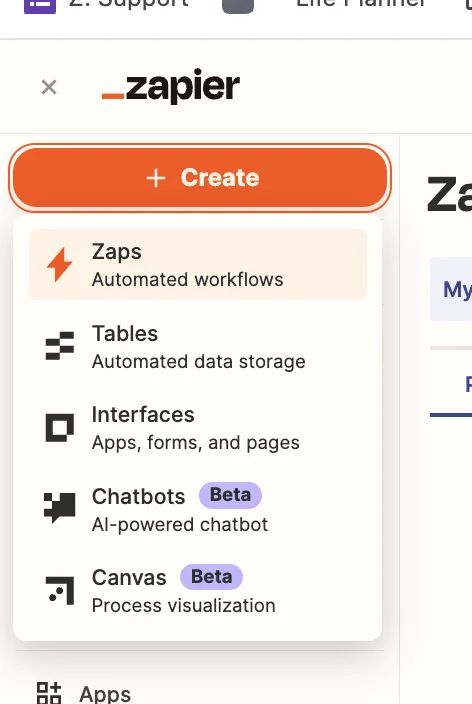
Head over to Zapier, then in the dashboard, in the top left, click the big orange “Create” button and select ‘Zaps’.
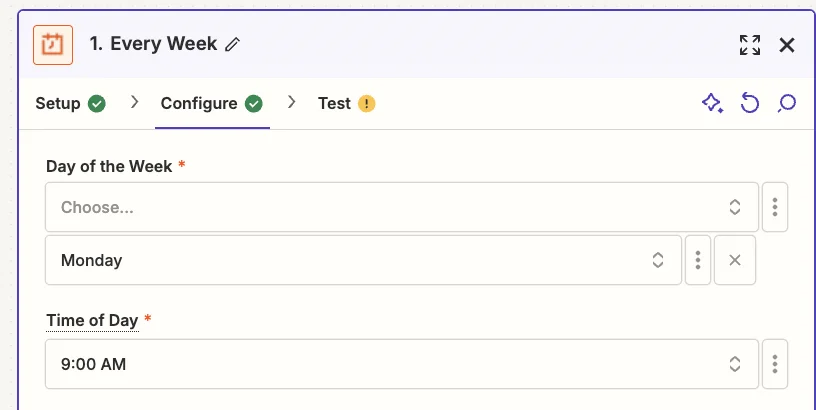
Inside the zap editor, click on the box that says “Trigger” and select/search for ‘Schedule by Zapier’ as the app. Then select ‘Every Week’ as the trigger event.
When configuring the trigger, choose your preferred day and time. I’ve gone with 9am on a Monday.
Test the zap and you’ll see a timestamp for the current time. You can ignore this. When the zap is live it will run at the correct time.
Step 2: Use the Perplexity playground to test your prompt
Here we’re going to simulate a chat conversation with Perplexity’s API to perfect our prompt.
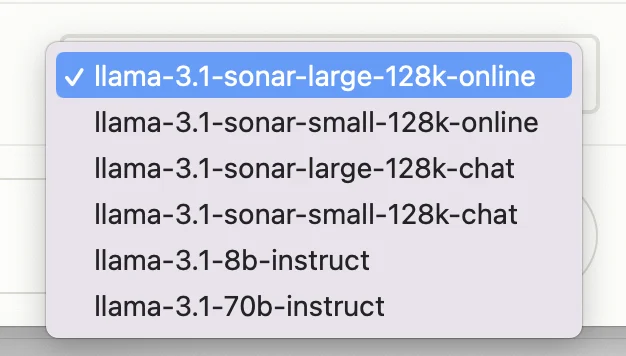
In the bottom right, you’ll see a dropdown where you can select which model to use. We’ll stick with “llama-3.1-sonar-large-128k-online” which is their most powerful model, and has access to search data.
I live in Budapest, Hungary, so I’m going to base my prompt on that:
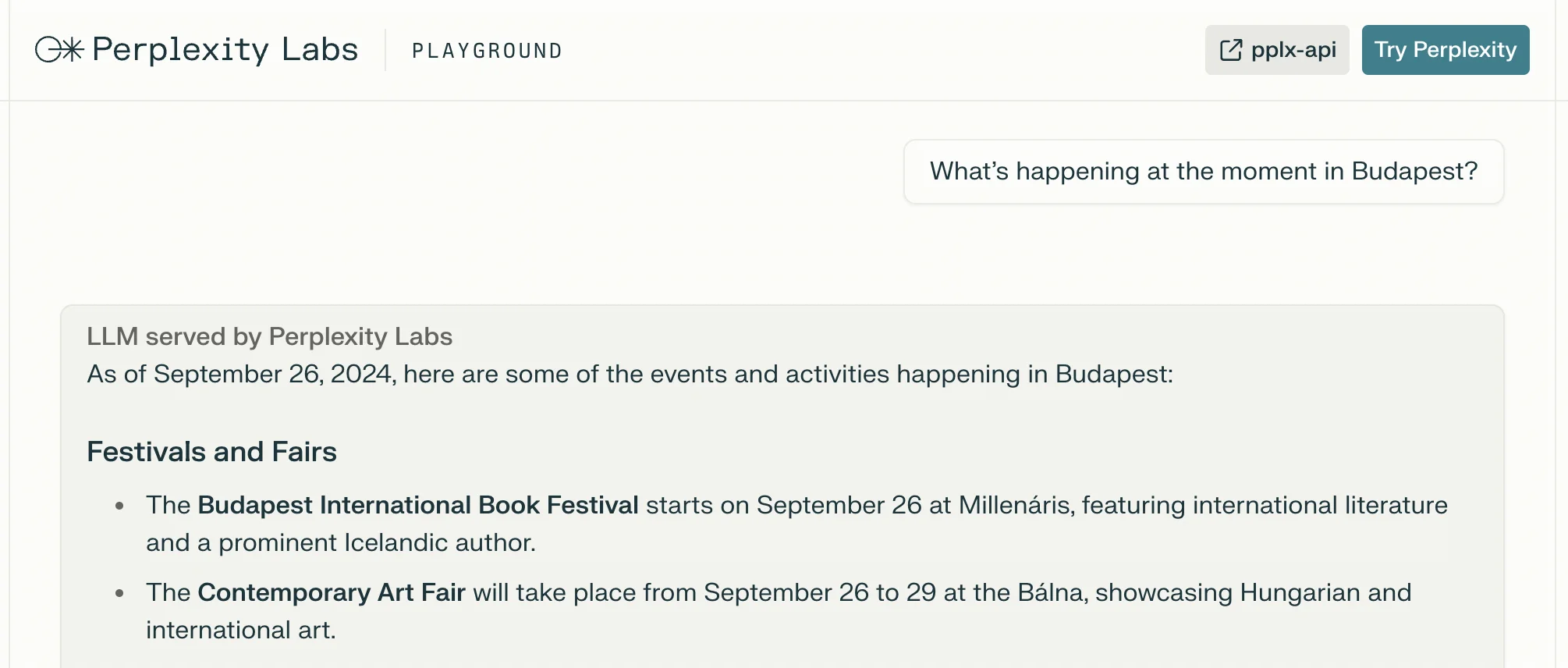
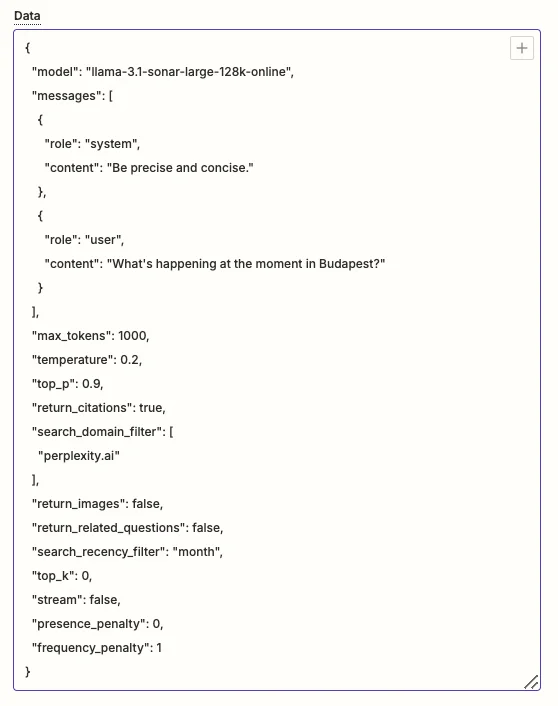
What’s happening at the moment in Budapest?
Type that into the chat input at the bottom, click the green arrow button, and you’ll see the AI response generated in realtime.
The date is correct, as is its summary of what’s going on in Budapest right now. Great!
Step 3: Add a Perplexity API step to the zap
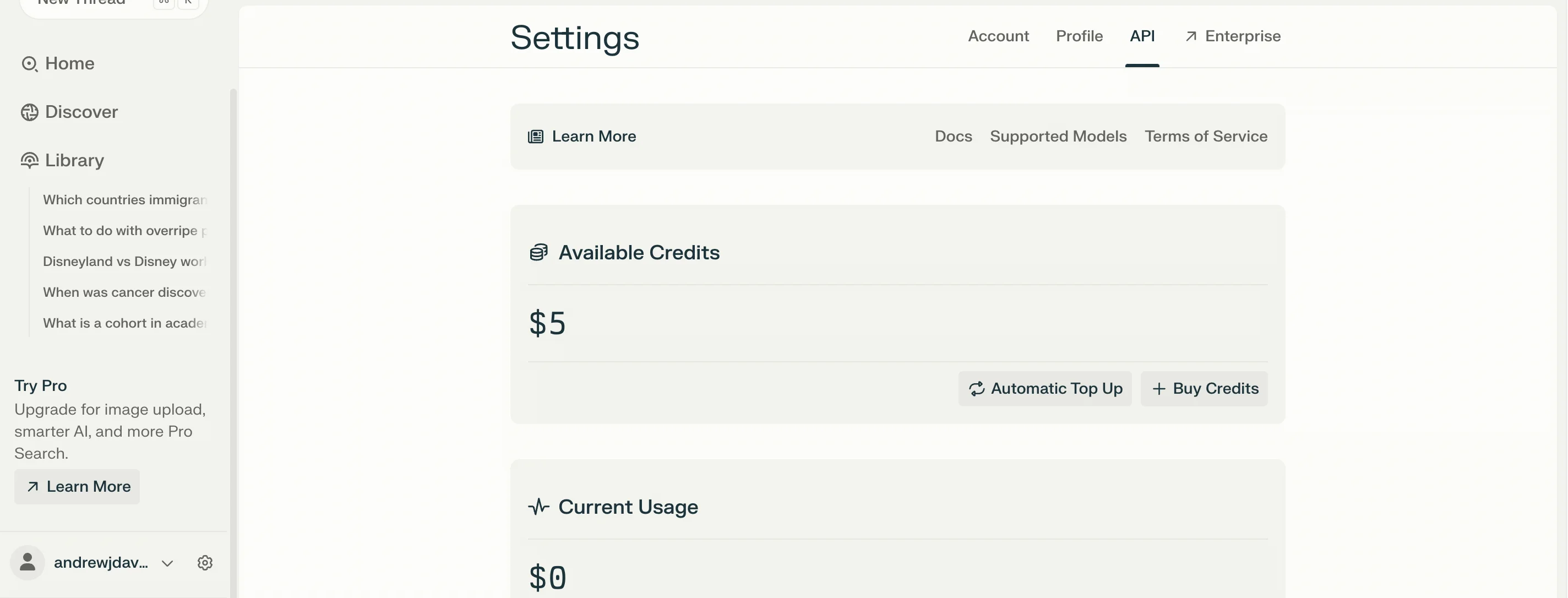
Back on the main Perplexity website, click the settings cogwheel icon in the bottom left, then navigate to the “API” tab. If you haven’t already, buy at least $5 worth of credits.
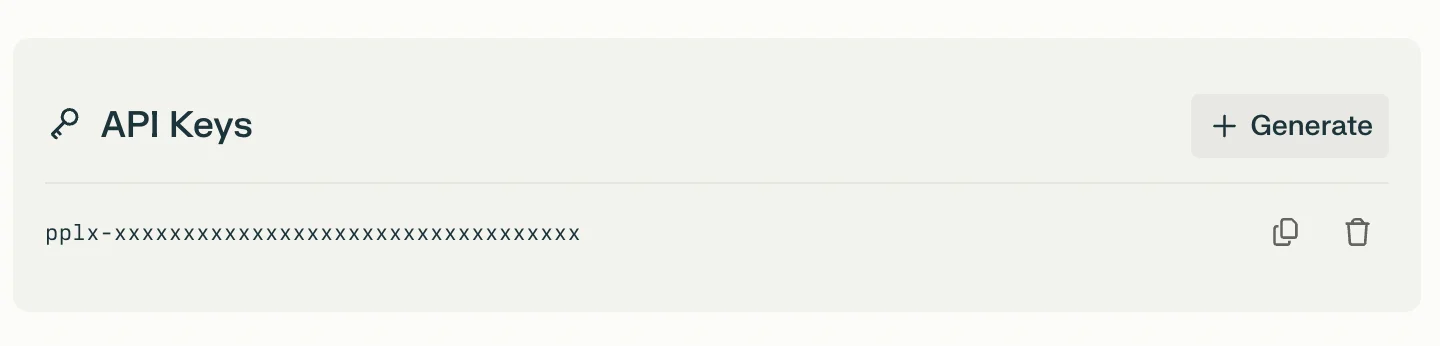
Then scroll down the page and click “Generate” to create an API key.
💡Tip : Don’t use the API key in the screenshot above as it’s a placeholder. And make sure not to share your API key when you create it.
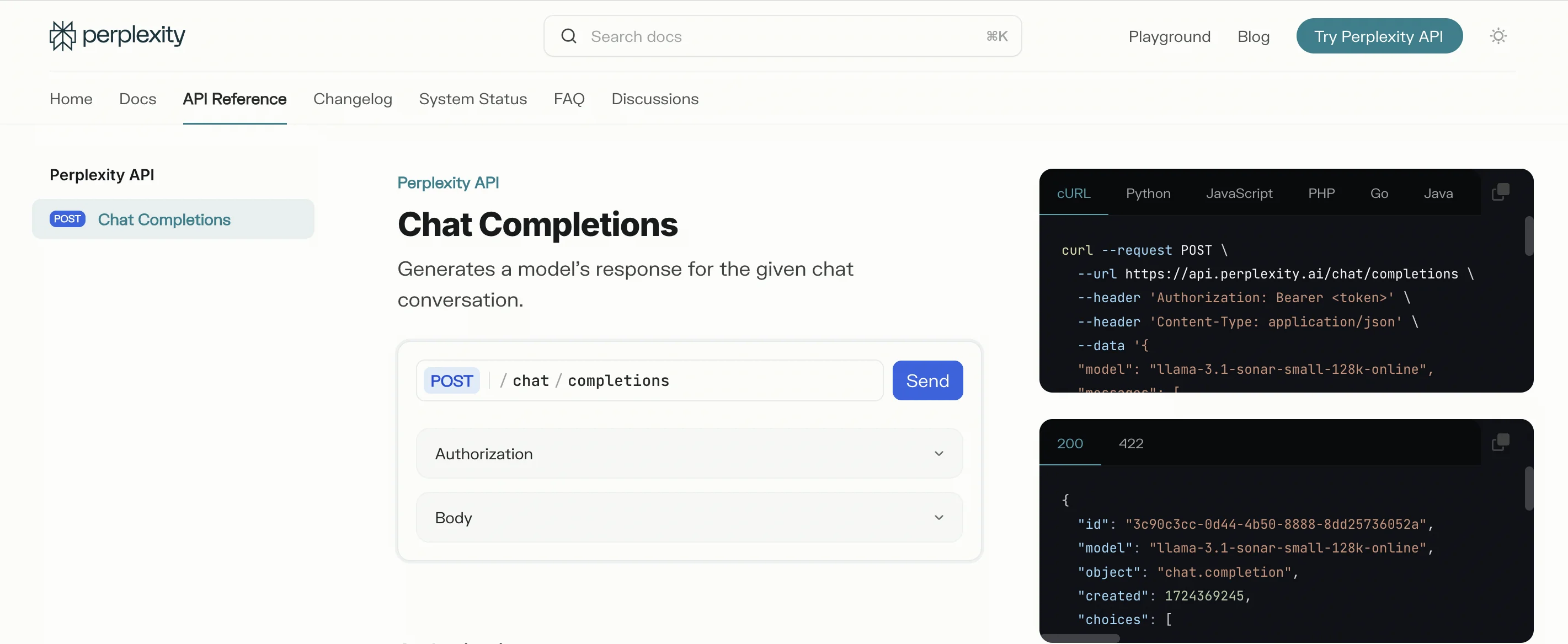
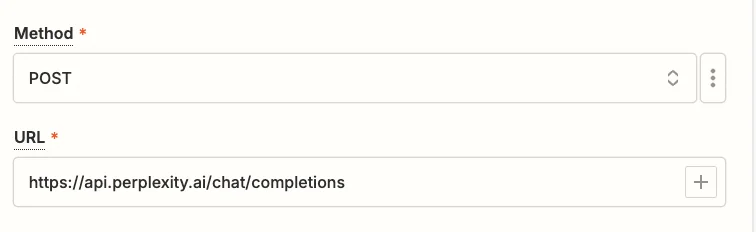
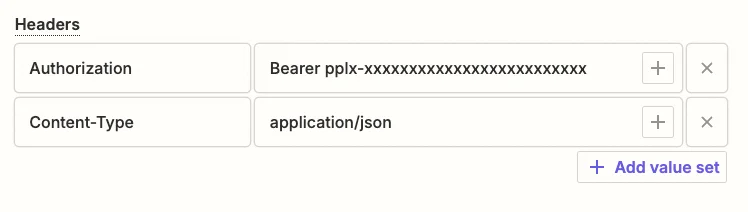
Unfortunately, Perplexity doesn’t have a Zapier integration, so we’re going to use a webhook step inside Zapier to send and receive data from the API.
In the zap editor, click the “Action” box. Select "Webhook by Zapier" as the app, and ‘Custom Request’ as the action event.