


With today’s AI tools, you’re only limited by your imagination with what you can create. If you’ve had dreams of creating you’re own graphic novel, but didn’t know where to start, AI tools can now help you go from a story idea to graphic novel scenes, with consistent characters, scenes, and dialogue.
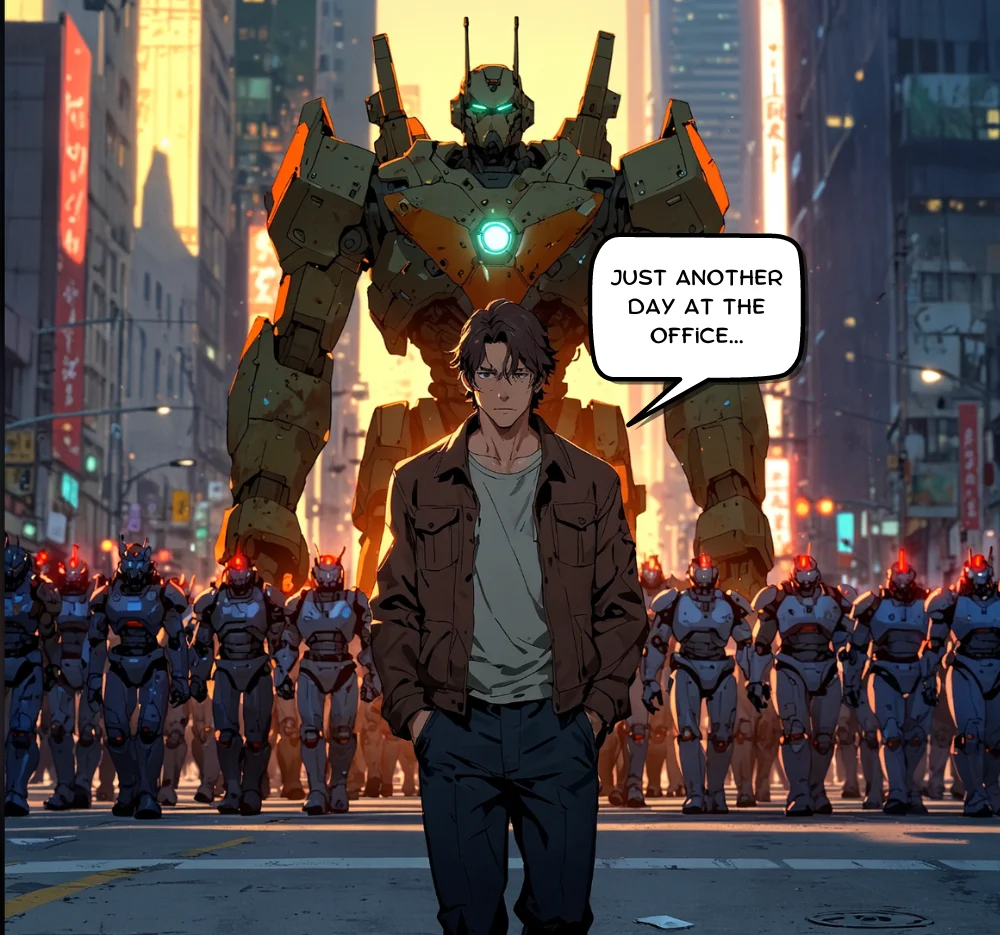
In this tutorial, we will walk you through the process of:
- Generating scene outlines, dialogue, and image prompts with Claude
- Creating consistent scene and character art in Leonardo AI
- Adding dialogue bubbles in Canva
Let’s dive in.
Step 1: Generate scene outlines, dialogue, and image prompts with Claude
We’re going to partner with Claude to generate scene outlines, descriptions, dialogue/narration, and image prompts, which we’ll eventually use in Leonardo AI, an AI image generation tool.
To get started, we’ll send Claude a detailed prompt to generate this content. Use the example prompt below and customize it according to your needs. Make sure to add your story premise and the number of scenes you want for your graphic novel.